How to recognize digital eyes and what to do about them

27. August 2025, Author: Monika Floreková, Photo: Jakub Čaprnka, Nora Sapárová
Most of us spend several hours a day in front of screens. Computer at work, phone on the way home, tablet on the couch in the evening. Our eyes, though, weren't designed for this kind of use.
If you notice blurry vision in the evening, feel eye fatigue, burning, or pressure in your head, you're likely dealing with digital eye strain – or as people call it, digital eyes.
What is digital eye strain?
Digital eye strain (also called computer vision syndrome) is a condition caused by prolonged screen time without breaks.
Basically, it's eye overload that comes from a combination of:
- reduced blinking,
- constant focusing at close range,
- poor lighting,
- and often incorrect vision correction.
The most common signs of digital eye strain:
- eye fatigue,
- feeling of dryness, burning, or conversely watery eyes,
- headaches, often in the forehead area,
- pressure behind the eyes,
- trouble refocusing at distance,
- feeling of heavy eyes at the end of the day.
These difficulties can worsen throughout the day and ease with rest.
What causes digital eyes?
Reduced blinking frequency
When we're focused on a screen, we blink up to 60% less. This disrupts the eye's natural moisturizing.
Static strain on eye muscles
Eyes are designed to alternate between distances. Constant close-range focusing without breaks overworks the muscles responsible for accommodation.
Poor lighting and screen contrast
Too much brightness, glare, bad monitor placement, or poor light balance in the room all increase eye strain.
Undiagnosed or incorrectly corrected prescription
Even a mild vision error, if not properly corrected, can cause significant fatigue during prolonged close work.
How to prevent digital eye strain?
1. Follow the 20–20–20 rule
Every 20 minutes, look at an object at least 6 meters (20 feet) away for 20 seconds. This helps relax the accommodation system that handles your focus.
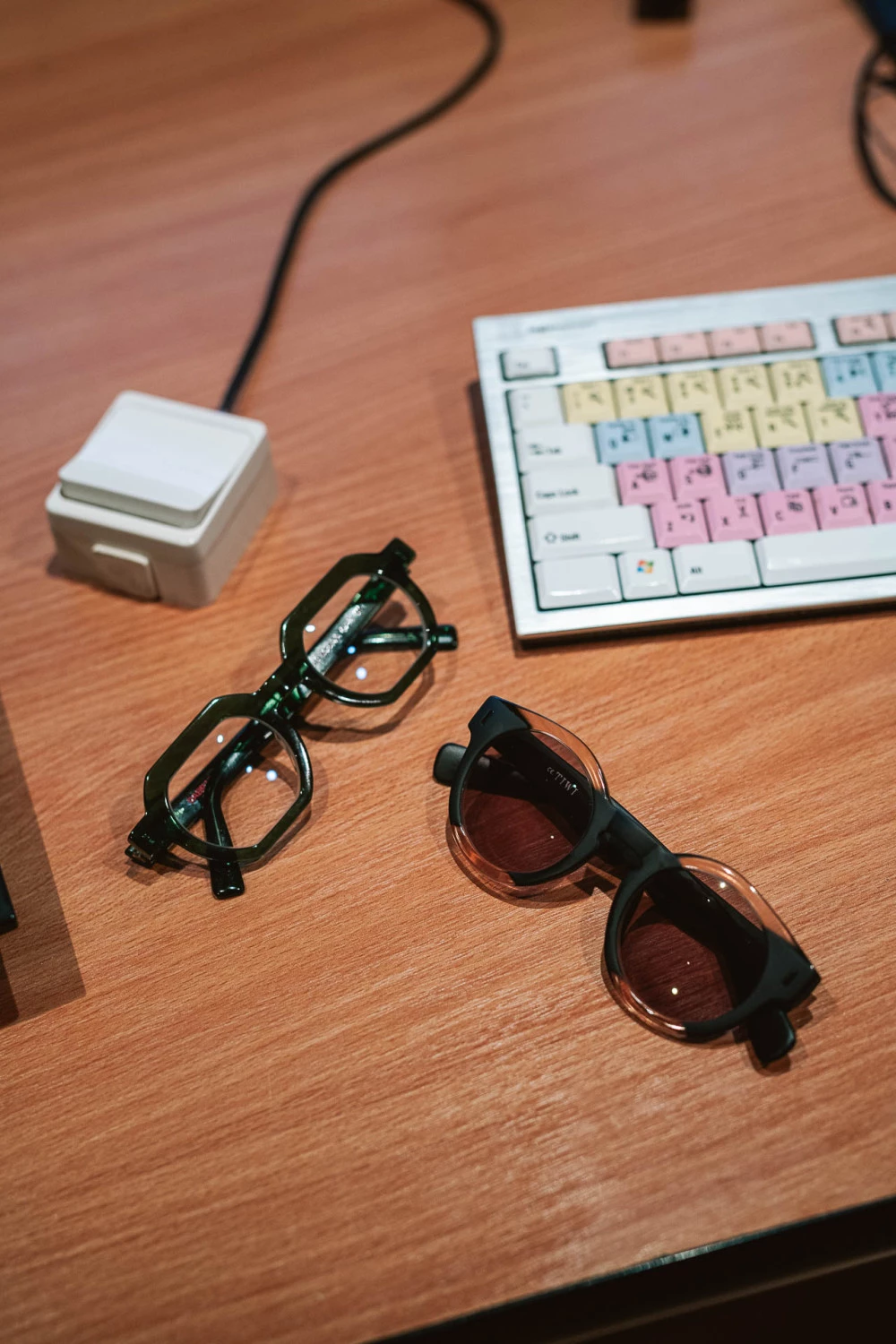
2. Use glasses designed for computer work
Ideally with:
- anti-reflective coating to eliminate glare,
- blue light filter,
- individual adjustment for working distance, if you're over 40.
After crossing the 40-year threshold, presbyopia enters our lives – colloquially known as short arm syndrome. At ZITA we can help you with even subtle differences between reading prescription and computer screen prescription.
3. Optimize your workspace
- Position your monitor slightly below eye level.
- Ensure indirect lighting without glare.
- Keep the screen 50 to 70 centimeters from your eyes.
- If you work on a laptop regularly and for longer periods, use a stand to raise the screen higher.
4. Moisturize your eyes
If you're experiencing dry eyes, eye drops known as artificial tears can help. They're especially helpful for people in air-conditioned spaces. During eye examinations, we focus on tear film diagnostics and then select the most suitable artificial tears.
5. Don't forget regular eye exams
Some problems might not just be about work fatigue, but about an outdated prescription or hidden eye imbalance in the form of accommodation and vergence disorders. A preventive examination can reveal more.
Digital eyes aren't made up. They're a consequence of modern lifestyle that places new demands on our vision. The good news is that with small adjustments and the right glasses, their impact can be significantly reduced.
At ZITA we're happy to help – from professional examination to choosing glasses that will ease your eyes and fit into your life.